

RGB Color Codes
Every color on your Trimlight system is mixed from three numbers — red, green and blue. This page has the combinations our customers ask for most, from Christmas and Halloween to Florida game days. Find one you like, copy the three values, and enter them in the app.
Step 1
Open your app
Launch Trimlight or Trimlight EDGE and select the zone you want to change.
Step 2
Choose a custom color
Tap the color wheel, then switch to the custom or RGB entry option.
Step 3
Enter R, G and B
Type the three numbers from any color below. Each one is a value from 0 to 255.
Step 4
Save it as a scene
Name and save it so the color is one tap away next time you want it.
No colors match that search. Try a holiday, a team, or a color name.
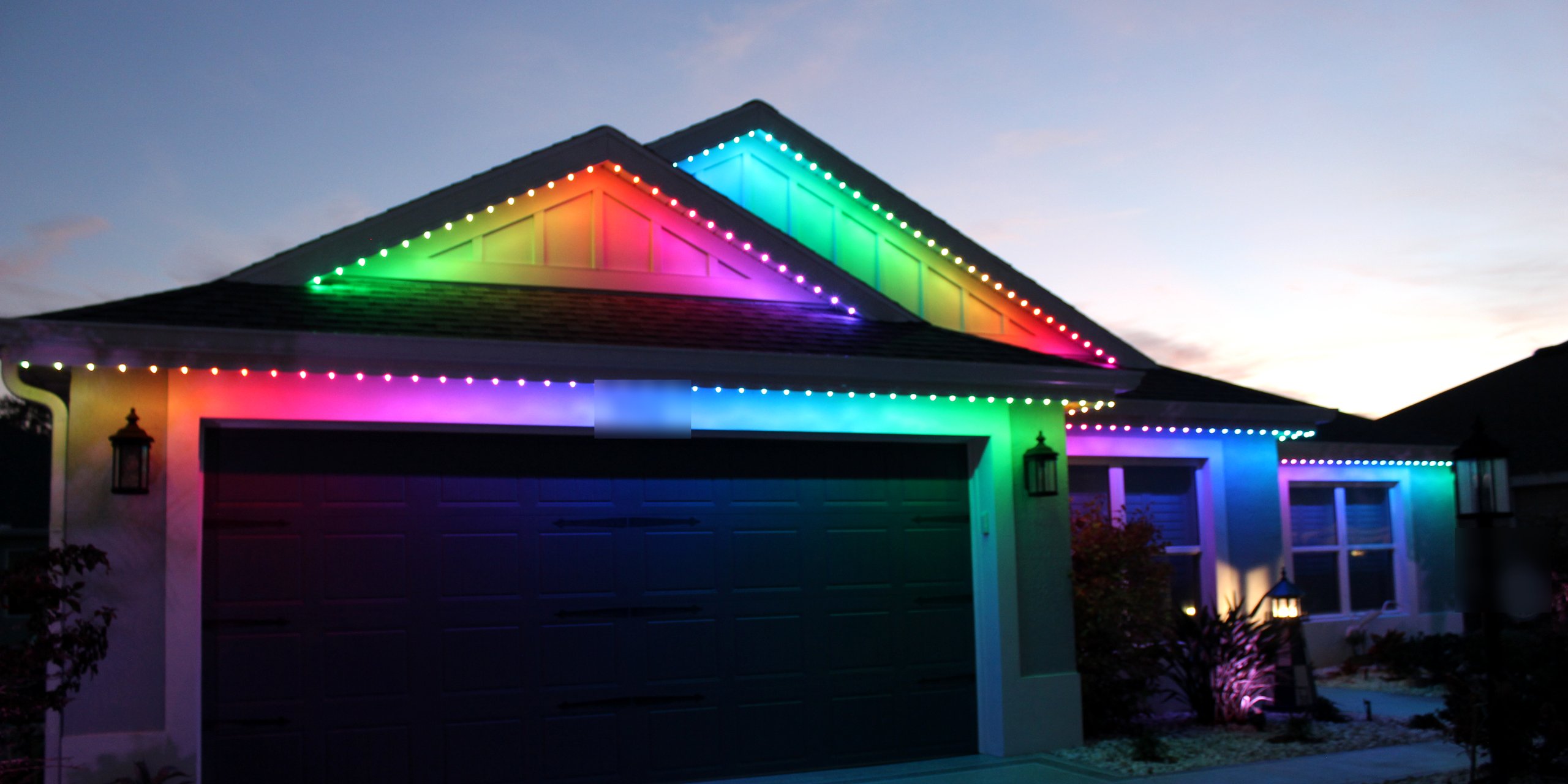
A note on how these look on a house. LEDs mix light rather than paint, so a color on
your roofline will read brighter and more saturated than the same numbers on a phone screen. Very dark
shades — navy, charcoal, deep garnet — have the least light to work with and can look close
to off from the street, so most people prefer a lighter version of them. These values are a starting
point: nudge them a few numbers either way until it looks right on your home.